Start with what you remember
Before opening a search box, describe the item you need in one sentence. Are you looking for a decision, an attachment, a draft, a link, or a person's explanation? That distinction suggests where to start. A decision may be in a meeting note or email thread; a finished draft may be in a shared folder; a link may be in a message or personal note. You do not need to know the exact location, only a plausible first place to look.
Write down two or three clues: a distinctive phrase, a person or project name, and an approximate time period. Favor terms that would appear in the item itself. If you remember discussing a “welcome sequence” but the file was probably named “onboarding emails,” try both phrases. This small pause gives your search a direction and makes it easier to notice when a result is close but not quite right.
Search in a deliberate order
Begin in the place most likely to hold the original item, then widen the search. If you need an attachment someone sent, check email before your notes. If you need the latest version of a document, check the shared workspace before an old download folder. This avoids treating copies, summaries, and originals as interchangeable.
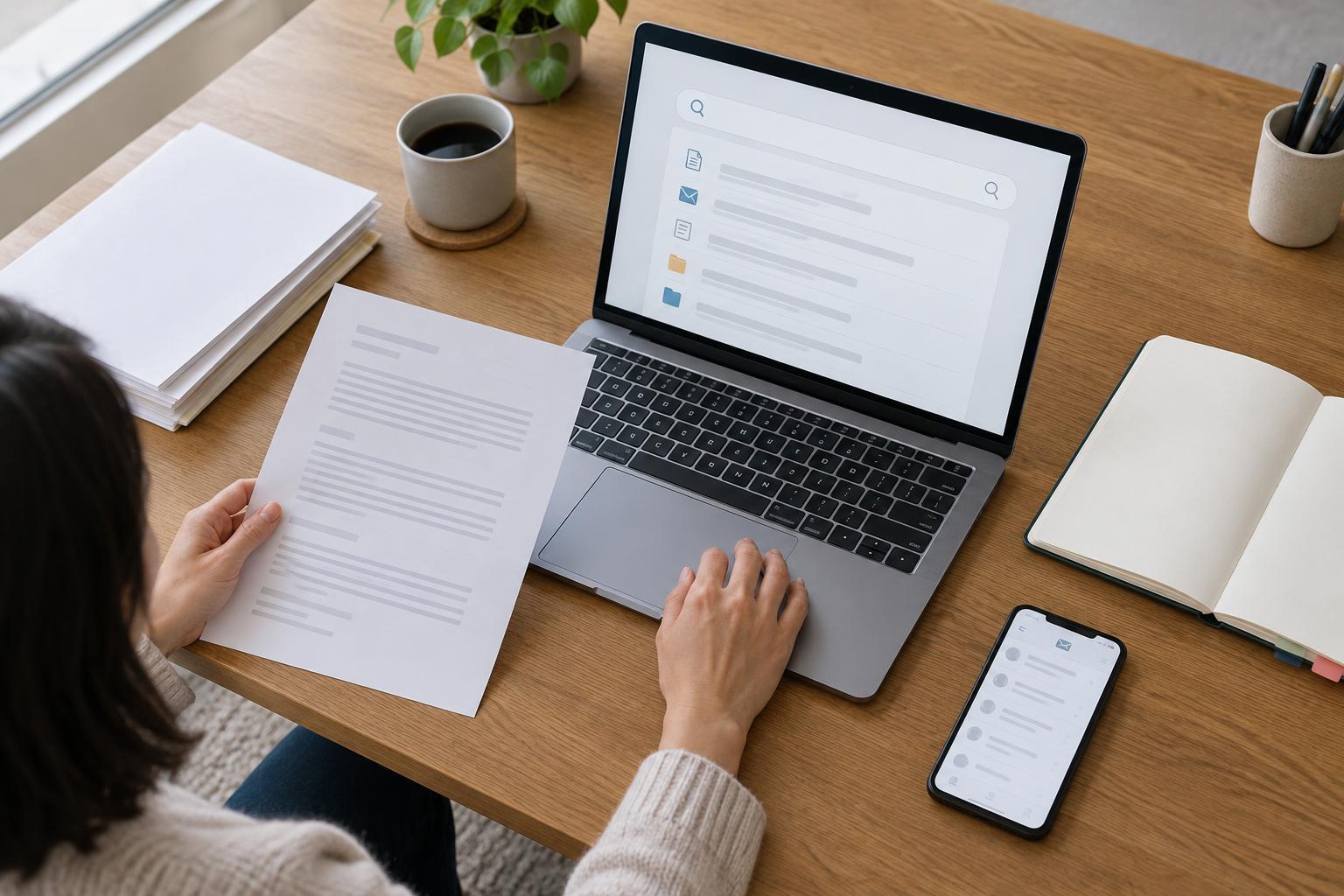
Within each app, start with the most distinctive clue. Add a project name, sender, file type, or date range only if the results are too broad. Search tools differ, but many let you filter by location, author, recipient, or modification date. Check the app's own search options rather than assuming the same command works everywhere. If your first search returns nothing, remove a filter or try a synonym before moving to another app; the item may be there under a different name.
Keep a brief record of which places and terms you have tried when the search is important or lengthy. A line such as “email: project name + sender; drive: alternate title” prevents you from repeating the same attempts.
Use clues that distinguish the right result
Common words produce crowded results. Replace “plan” with a project nickname, an unusual heading, or a phrase you remember reading. If the search tool supports exact-phrase searches, quotation marks may help when wording matters. If you are unsure of the wording, search for a few distinctive words separately instead. Names can also vary: a document might use a team name while an email uses a person's name.
Consider what form the information took at the time. An approval might appear in a reply rather than the document being approved. A file sent by email might have a different name once saved to a folder. A note might contain a link to the source without repeating its title. Following these connections is often more useful than running the same query in every app.
When results are nearly right, inspect their surroundings. Open the relevant thread, parent folder, or linked page. Nearby context can reveal whether you have found the final version or simply a related discussion.
Verify before you rely on a result
Finding a match is not the same as finding the right item. Look for signs of its purpose and status: a clear title, the people involved, a linked source, and any indication that it was superseded. Modification dates can be useful clues, but a recently edited copy is not automatically authoritative. If several versions exist, trace them back to the shared location or conversation where the work was finalized.
For consequential details, open the item rather than relying on a search preview. Previews can omit surrounding qualifications or show a phrase from an outdated section. If the answer remains ambiguous, ask the relevant collaborator which version to use. A short question with links to the candidates is easier to answer than a request to find everything from scratch.
Make the next search easier
Once you find a useful item, give your future self a reliable route back to it. Put the final file in its expected folder, use a descriptive title, or add a link to the project note where you track decisions. A simple note can record what was decided and point to the original thread or document. Avoid copying the full content into several places unless there is a clear reason; duplicate versions can make the next search harder.
For shared work, agree on a few lightweight conventions: where final documents live, how drafts are labeled, and where decisions are recorded. Apply them when saving or sharing work rather than launching a large cleanup whenever something goes missing. Search will still require judgment, but a consistent home for important material gives everyone a better starting point.