Give the working document one clear home
A folder full of files named “final,” “final revised,” and “final for real” usually reflects a reasonable concern: nobody wants to lose a good draft. The trouble is that each copy creates another possible answer to the question, “Which one should I edit?” Start by choosing one location for the active document, such as a shared project folder. Keep the working file there, and agree that this is the version people open when they need to make changes.
Give that file a stable, descriptive name, such as “Client onboarding guide,” rather than a status claim that may become outdated. If the document has an owner or a review deadline, put that information in the project plan or a short note at the top of the document. A stable name makes links and searches more useful, while a clear owner gives collaborators someone to ask when the status is uncertain.
Use history for routine changes and copies for milestones
Many document tools keep a history of changes. Where that feature is available, use it for everyday edits instead of saving a new file after every session. Learn how your tool handles history before relying on it: check whether you can identify an earlier state, see who changed what, and restore or copy material without overwriting newer work. These details vary by tool and by where the file is stored.
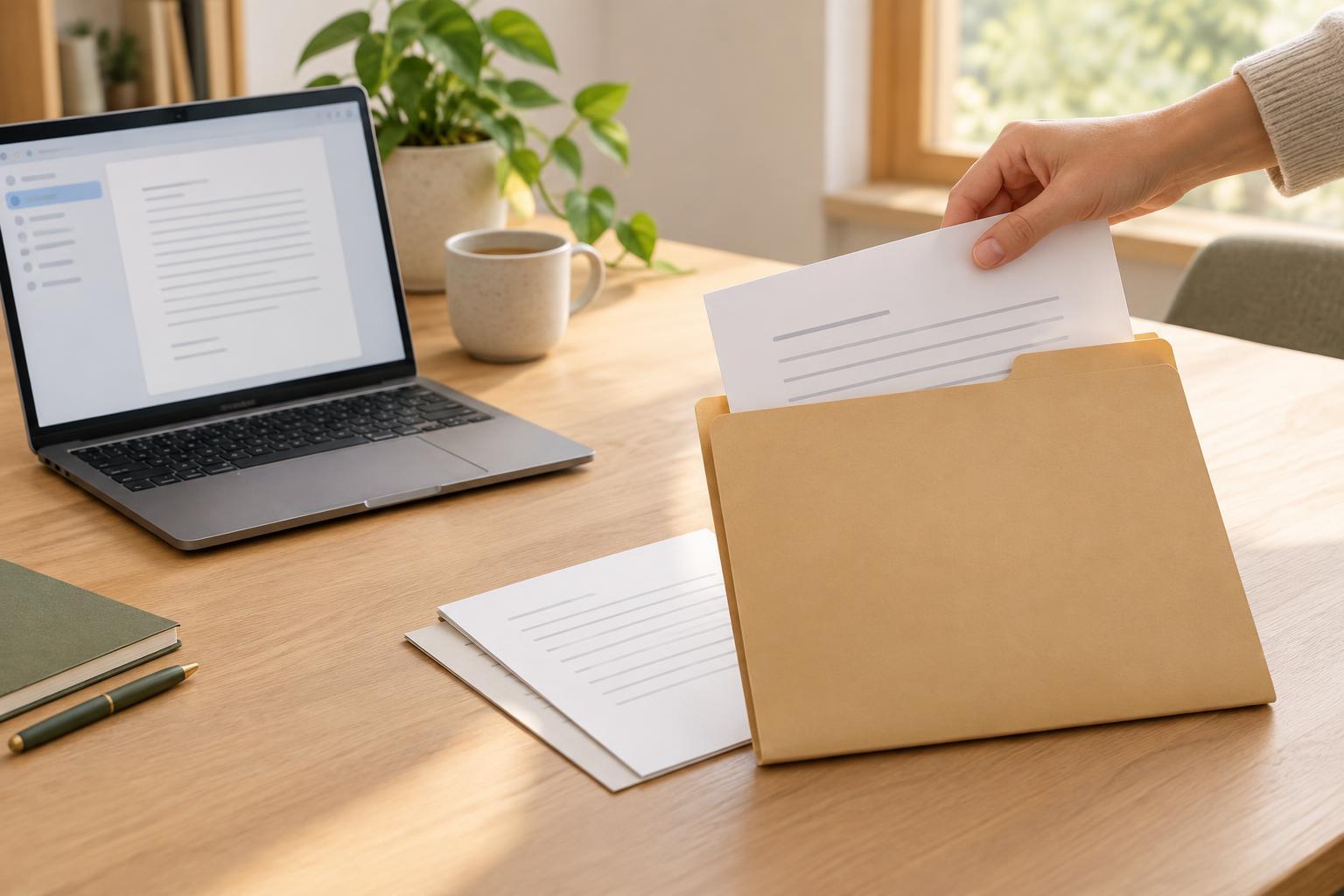
Separate files are still useful when a version needs to stand on its own. You might preserve the text sent for formal review, the version approved for publication, or a delivered copy that must not change. Name these checkpoints by purpose and, when helpful, by date: “Onboarding guide — sent for review — 2025-03-18.” Keep them in a “Milestones” or “Delivered” folder, apart from the active draft. Before creating a copy, ask what decision or event it records. If there is no clear answer, the document’s history may be enough.
Make review status visible without renaming the file
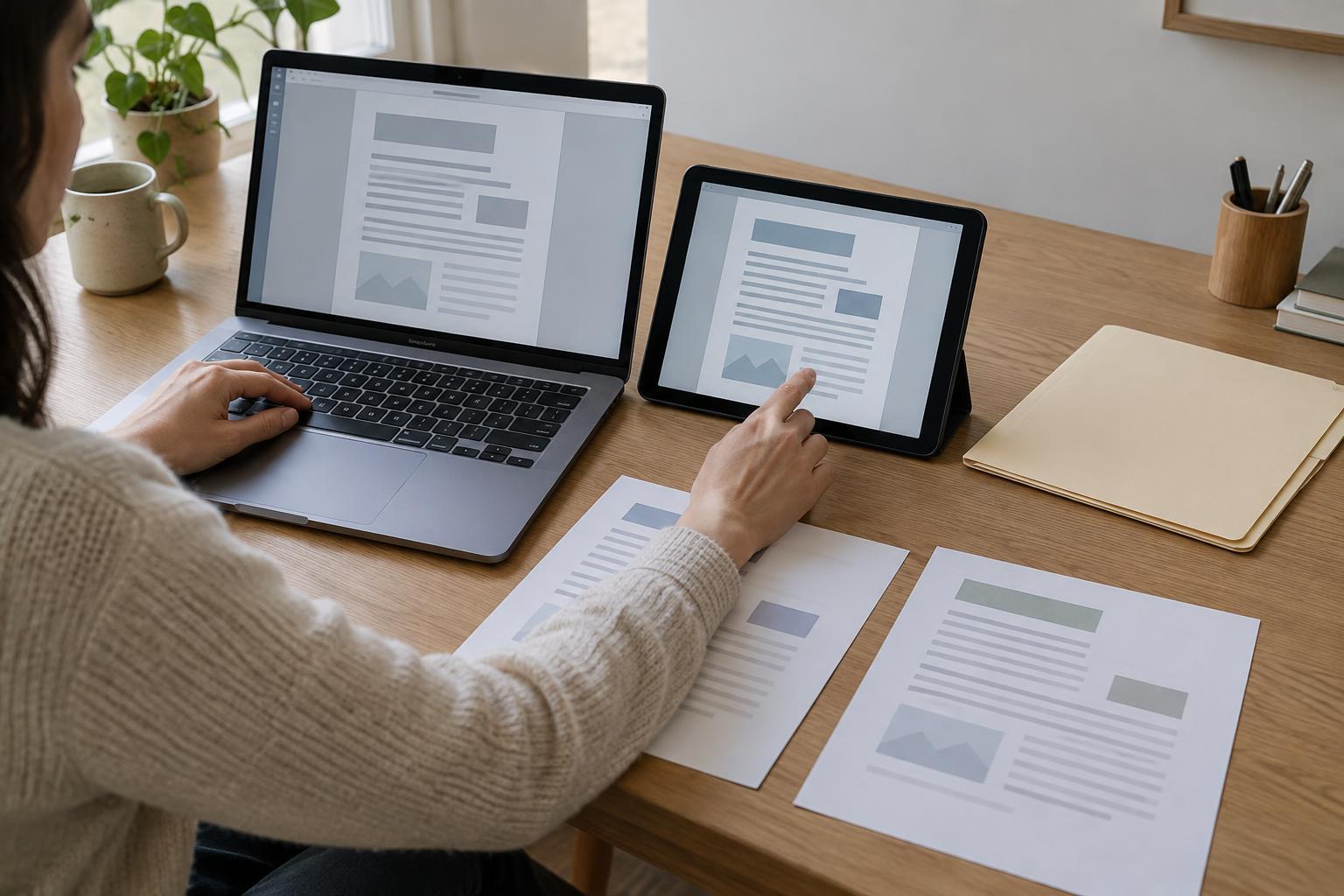
Version confusion often comes from unclear workflow rather than poor filenames. A reviewer downloads a copy, adds comments, and sends it back; meanwhile, the writer continues editing the original. Both files are now useful, but neither tells the whole story. Before asking for feedback, share the link to the active document when possible and specify what kind of response you need. For example: “Please comment on the structure by Thursday; I’ll keep editing the examples.”
If someone must review a separate file, treat it as an input, not a competing master. Name it for the reviewer or review round, then have one person incorporate accepted changes into the active document. Record any important decisions in a brief change note: what changed, what was declined, and what remains open. This does not need to be a detailed log. A few lines can prevent the same question from resurfacing the next time someone opens the project.
Handle exports, attachments, and offline edits deliberately
A PDF prepared for sharing is not necessarily the working source. Keep exports in a separate folder or label them clearly, such as “Onboarding guide — PDF for distribution.” When you send one, say whether it is for reading, approval, or use. If further edits are expected, direct people back to the working document for changes. This reduces the chance that someone will revise an attachment while the source moves on.
Offline work needs an explicit handoff because changes may not merge cleanly. Before editing an offline copy, let collaborators know which part you are taking on and when you expect to reconnect. Once you are back, compare your work with the active document before replacing anything. If both versions changed, move over the relevant edits in a controlled pass rather than declaring the newer-looking file the winner.
Close the loop when a version is approved
At the end of a project stage, name the outcome plainly. Mark the active document’s status as approved, delivered, or ready for another round, and save a milestone copy if that outcome needs preserving. Confirm where future edits should happen. An approved version can be a reliable reference without becoming an excuse to make silent changes to a delivered file.
Then tidy the workspace. Move obsolete exports and review copies out of the active folder, following any retention rules that apply to your team. Leave the working source, the meaningful milestones, and a short note pointing to the latest approved version. The goal is not to save as few files as possible. It is to make each file’s role obvious, so the next person can find the right starting point without guessing which “final” came last.