Decide what “finished” means
Projects often linger in an active workspace long after the main work is done. A deliverable may be complete, but its folder still contains loose notes, alternate versions, and files you might need later. Archiving gives that work a new status: it is no longer competing for daily attention, but its useful parts remain accessible.
Before moving anything, write a short closure note. Record what was delivered, where the final version lives, and whether any follow-up remains. If follow-up work has an owner or a target time, put it in your task system rather than leaving it buried in the archive. This separates unfinished obligations from reference material and makes it easier to trust that a closed project really is closed.
Gather the project into one dependable home
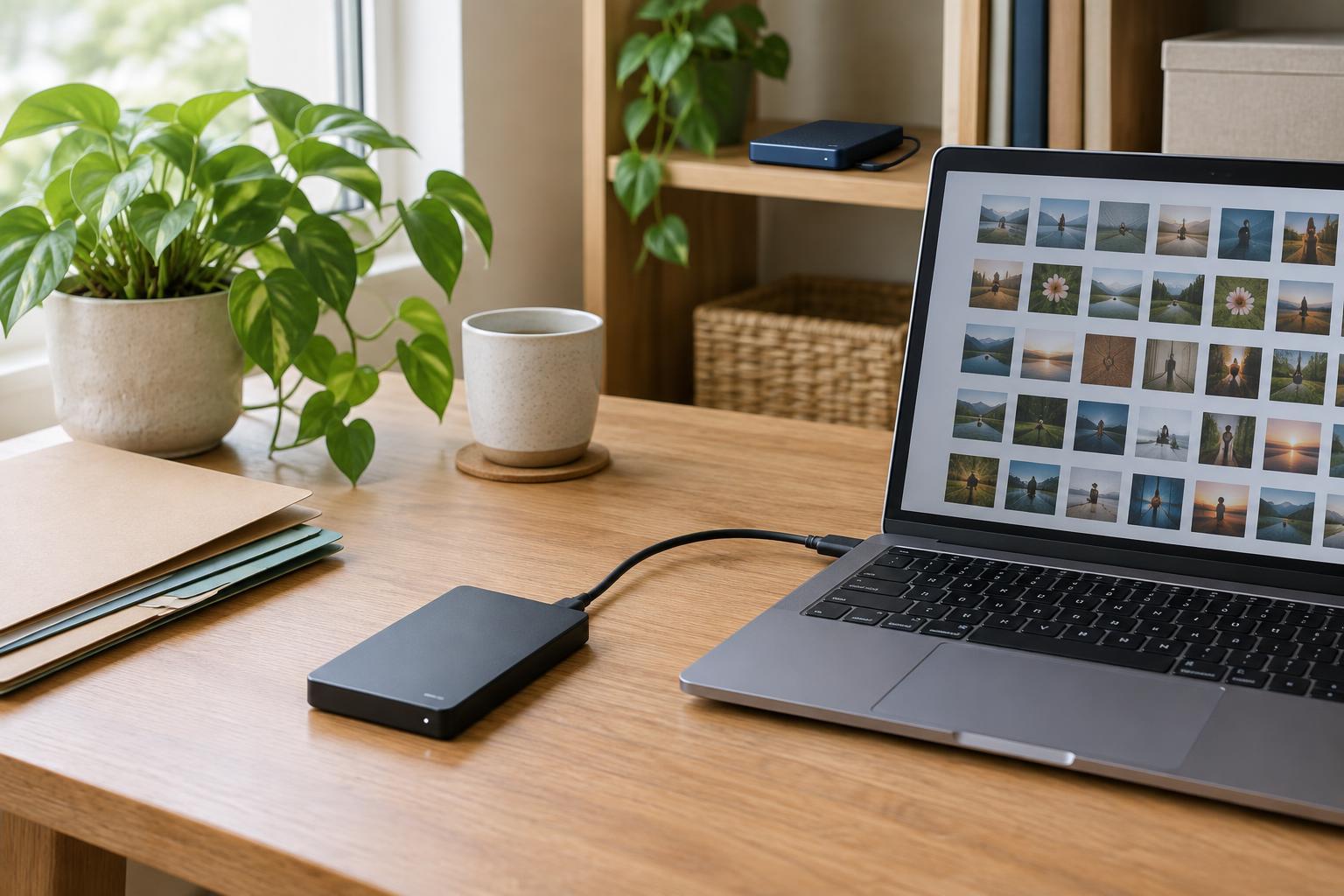
Choose a single archive location that fits how you already organize your files. A straightforward path such as Archives → Year → Project name may be enough. The exact structure matters less than using it consistently. Move or link the final deliverable, essential source files, relevant notes, and any handoff material into that location.
Avoid preserving every temporary export or duplicate by default. Keep files needed to understand, reuse, or revise the work; remove obvious clutter when you can identify it with confidence. If an old version explains a significant choice, label why it matters. Otherwise, several files called “final” can make the archive harder to use than the original workspace.
Some project material may live in shared drives, design tools, or message threads rather than a local folder. Your archive can contain a brief index pointing to those locations. Check that the links work and that the people who may need them have appropriate access. A folder of inaccessible shortcuts is not a reliable record.
Preserve the decisions, not just the files
A final document rarely tells the whole story of how it came to be. Add a short project summary in plain language: the goal, the intended audience, the main constraints, and the choices that shaped the result. Include the names or roles of people to contact about the work if that is useful and appropriate. Keep this note brief enough that someone can scan it before opening the source files.
Record lessons with enough context to be useful later. “Allow more review time” is less helpful than “The second review uncovered terminology changes, so a terminology check should happen before the next handoff.” You do not need a formal retrospective for every small task. A few specific observations are often enough to prevent you from reconstructing the same reasoning months later.
Give reusable material a route out
An archive is a record of a particular project. A template, checklist, illustration, or process note may also be useful outside that project. Decide whether it deserves a place in your shared resource library or another easy-to-find collection. If so, copy or link to a cleaned-up version and give it a descriptive name. Leave the original in the project archive when it helps preserve the record.
Remove project-specific details from reusable material where appropriate. A checklist written for one client or team may need its names, dates, and assumptions revised before someone can use it elsewhere. Add a line explaining what the resource is for and when it may not fit. This keeps a convenient starting point from being mistaken for a universal procedure.
Avoid turning every fragment into a reusable asset. Promoting material takes time, and a crowded resource library creates its own search problem. Start with items you can imagine using again, then let less certain material stay in the project archive.
Make retrieval easy, then clear your workspace
Test the archive with a simple question: if you needed the final deliverable or the reason behind a key decision, where would you look first? Use a recognizable project name, clear file names, and a small number of consistent labels if your system supports them. A short index is often more helpful than an elaborate tagging scheme that no one will maintain.
Once the archive passes that test, remove the project from active task lists, pinned folders, and dashboards where it no longer belongs. You can retain a link in a completed-project list if you regularly browse past work. The aim is not to hide what you made; it is to keep current work distinct from stored knowledge. A brief, repeatable closing routine makes that distinction easier to maintain.