Organize around retrieval, not perfection
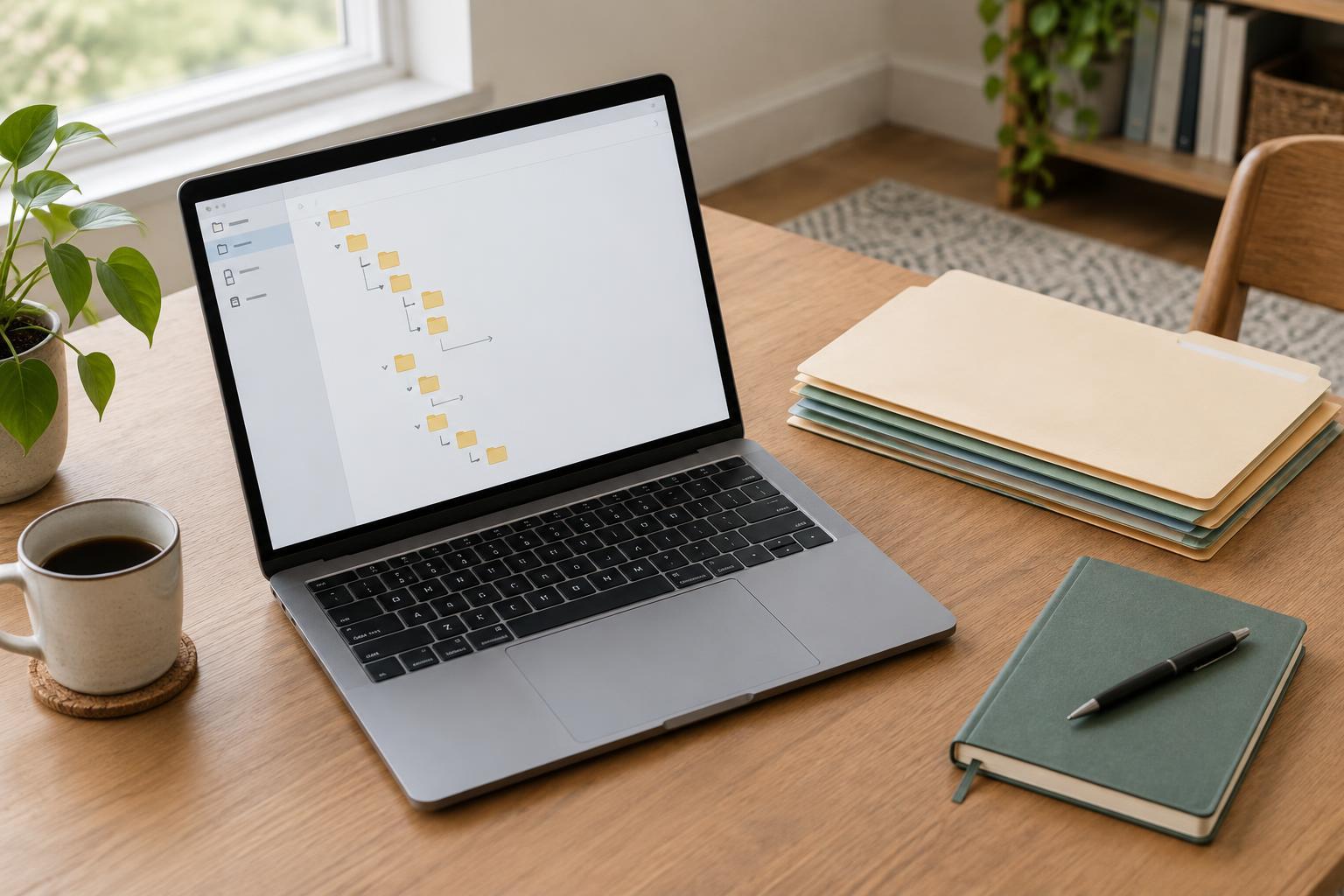
A folder structure works when you can answer a simple question: where would I look for this file later? It does not need to describe every detail of your work. In fact, a deeply nested system can become harder to use as projects change, because each new file presents too many possible destinations.
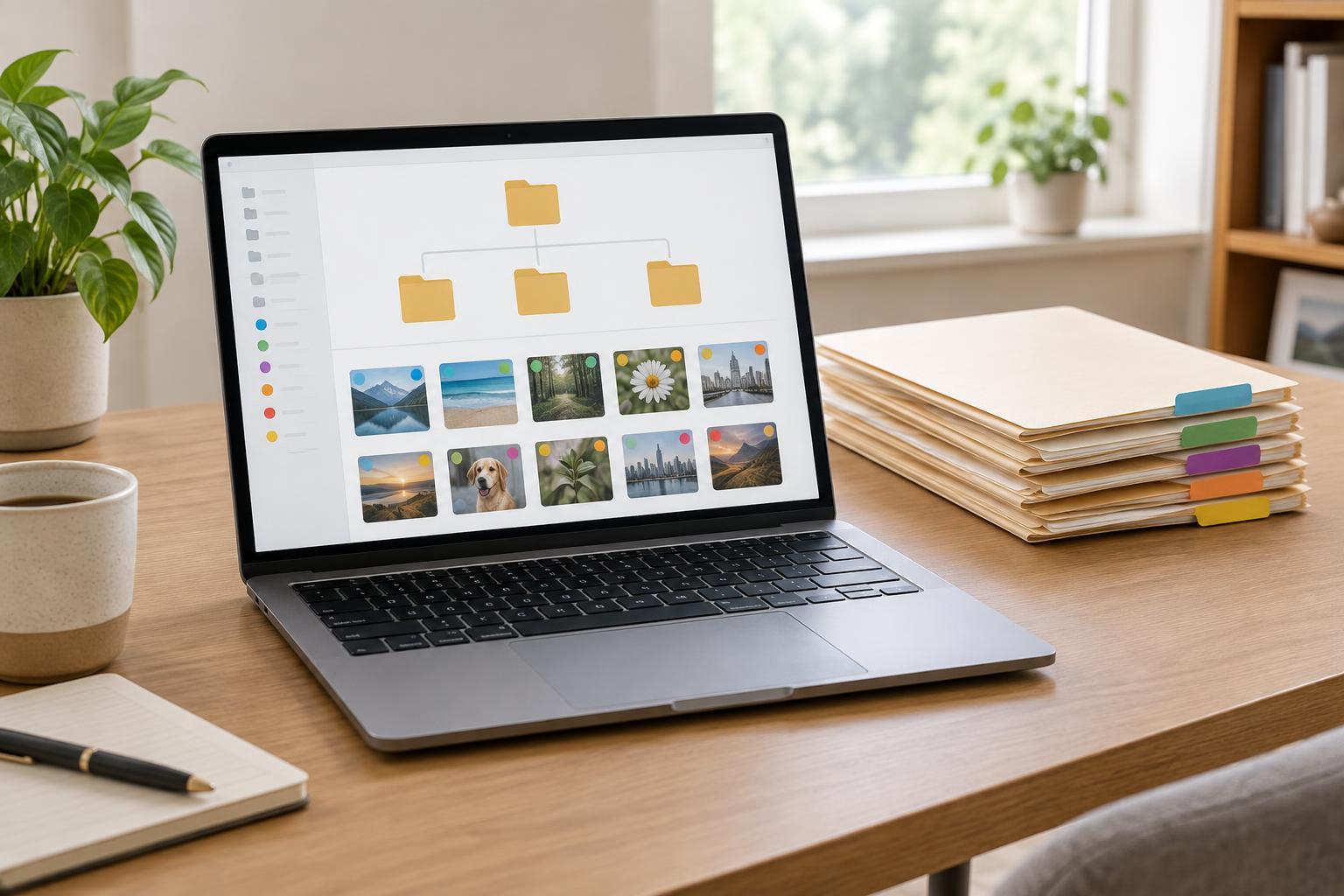
Begin by looking at the files you reach for most often. Separate ongoing work from reference material and completed work. For example, a top level might contain Active Projects, Shared Resources and Archive. These are broad enough to remain useful when your workload changes. If you regularly wonder whether something belongs in two places, choose one home for the original and use a shortcut or link from the other place when your tools allow it. Duplicate copies can quietly drift apart.
Give every project a predictable home
Use one folder for each project, then repeat a small set of subfolders only where they help. A writing project might need Brief, Drafts, Assets and Deliverables. A different project may need fewer. Start with the folders you can explain in one sentence; add another only when a real group of files becomes difficult to scan.
Keep the folder levels shallow enough that you can reach a working file without a long trail of clicks. File names can carry details that do not need their own folders. For example, “Workshop agenda - draft” is often more useful than an agenda file buried under Meetings, Workshop, Planning and Drafts. When projects expand, preserve the same basic pattern rather than inventing a new layout for every assignment. Familiarity makes it easier to switch between projects and easier for a collaborator to find their way.
Name files for the next time you need them
A good name distinguishes a file from its neighbors without requiring you to open it. Include a project or subject when the file may leave its folder, and use a descriptive label such as “client questions” or “homepage copy.” If order matters, put a date in a consistent year-month-day format so files sort sensibly. If the work moves through stages, labels such as draft, review and approved can help, provided everyone using the folder understands what those labels mean.
Avoid names that depend on the moment, such as “new version,” “final final” or “notes from today.” They lose meaning quickly. When several people edit the same material, agree on where the working copy lives and how a version becomes approved. A shared naming rule can be brief: name the subject, add the stage when needed, and do not create a second copy unless there is a reason to preserve the first.
Make collaboration and ownership visible
A personal folder system can follow your habits, but a shared one needs to be legible to someone who was not present when it was created. Give shared materials a clear home and distinguish them from private notes or rough experiments. Keep approved outputs separate from work in progress so someone looking for a file to use does not have to guess which draft is current.
For recurring team work, a short note in the main project folder can explain the layout, the location of the working copy and who maintains the folder. Keep that note practical rather than turning it into a lengthy manual. If permissions vary, check access before sharing a folder link; a tidy structure does not help if a collaborator cannot open the files they need.
Use a light maintenance rhythm
Folder structures stay useful through small decisions, not occasional overhauls. At a natural project checkpoint, move loose files into their homes, rename anything ambiguous and remove shortcuts that no longer point to useful work. When a project ends, move its whole folder to Archive rather than sorting every file again. Keep the internal structure intact in case you need to revisit a decision or reuse an asset.
If you repeatedly create a catchall folder called Miscellaneous, treat it as a signal to review the layout. Its contents may reveal a missing category, or they may simply need clearer names. Likewise, if a folder has only one file for months, it may not need to exist. Let patterns in your work guide changes. The aim is not a flawless tree; it is a reliable place for today’s work and a reasonable path back to yesterday’s.