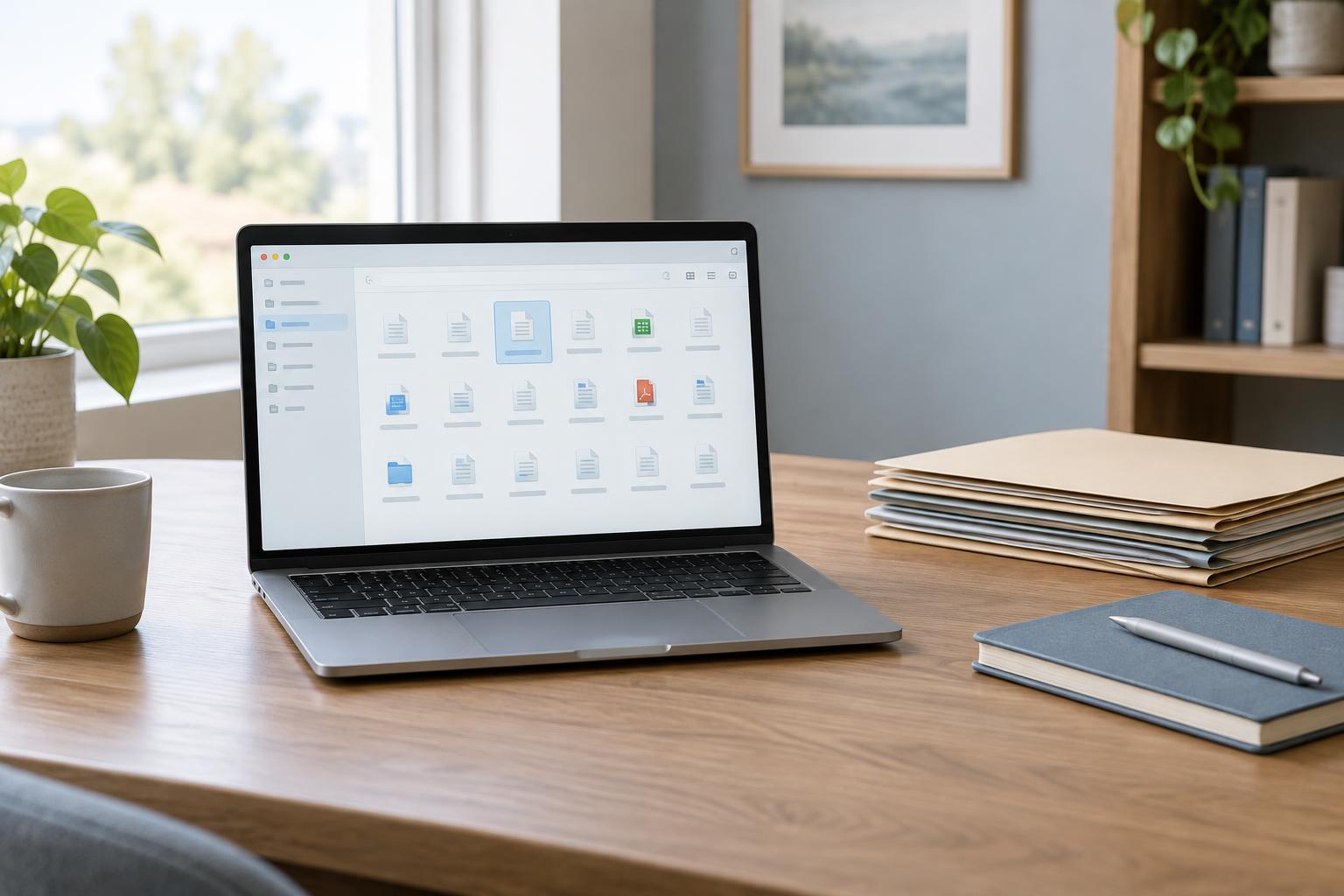
Start with how you look for things
A digital system succeeds when you can retrieve what you need, not when every item has a perfect label. Before rearranging files, think of a few recent searches. Did you remember the project, the type of document, the person involved, or what you planned to do with it? Those clues reveal more about a useful structure than an ideal-looking folder tree.
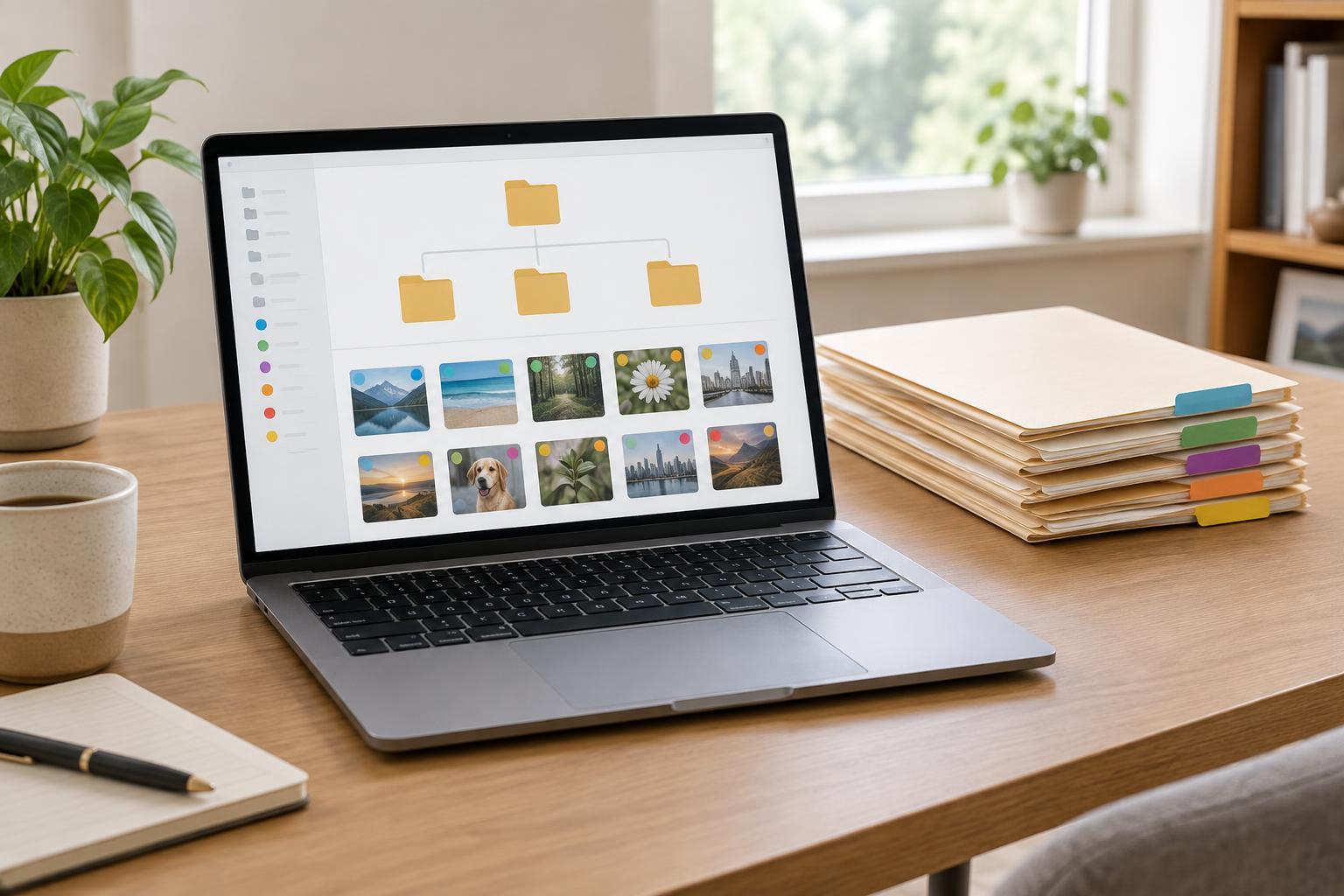
Folders and tags answer different questions. A folder usually tells you where an item lives: in a project, a client space, or an archive. A tag describes something about it, such as “reference,” “draft,” or “to review.” Neither method is universally better. The right choice depends on how often an item needs to appear in more than one context and how reliably you will maintain the system.
Use folders when a clear home matters
Folders work well for material with an obvious owner or destination. A project folder can hold its briefs, working files, and final deliverables. A small number of top-level folders also makes it easier to separate active work from records you rarely need. If you share files with other people, a predictable folder path can provide useful context without requiring everyone to learn a personal tagging scheme.
The main risk is making the tree too deep. If you repeatedly pause to choose between nearly identical subfolders, the structure may be asking for more decisions than the material warrants. Keep broad categories stable and add subfolders only when their contents become difficult to scan. For items that could plausibly go in two places, choose one home and use a descriptive file name or a link from the other location.
Use tags when material crosses categories
Tags are useful when you want to gather items by a quality that cuts across folders. Notes from several projects might all relate to “interview ideas,” for example. A tag can bring them together without moving them out of their project homes. Tags can also mark a temporary state, such as “waiting for feedback,” if you have a habit of clearing that tag when the state changes.
That flexibility has a cost: tags are only helpful when their names stay understandable. If “ideas,” “inspiration,” and “possible ideas” mean nearly the same thing, you may forget which one to search. Begin with a short list tied to searches you expect to make. Use plain names, avoid tagging every obvious detail, and remove tags that you never use to retrieve anything.
Build a small hybrid system
For many collections, a simple hybrid is easier to manage than an all-folder or all-tag system. Give each item one primary folder, then add a few tags for cross-cutting purposes. You might keep work in folders named by project and tag selected files “reference” or “ready to share.” That way, the folder preserves context while the tag helps you gather related material across projects.
File names can do part of the work as well. A name that includes the project and a recognizable subject is more useful in search results than “notes-final-2.” Pick a naming pattern you can follow without stopping to consult rules. If your tools do not support tags consistently, do not build a process that depends on them; folders, names, and search may be enough.
Test retrieval, then maintain only what helps
Try the system on a modest batch before reorganizing an entire drive. Put several recent items in their likely homes, then look for them using the clues you would normally remember. Can you find a document when you know its project but not its title? Can you gather relevant references from different projects? Notice where you hesitate, and adjust the structure to remove that friction.
Set aside a brief, occasional check for loose files, unclear names, and tags that have drifted in meaning. Archive completed work when it crowds out active material, but keep its structure recognizable so it remains searchable. The goal is not to classify everything forever. It is to make the next useful item easy to find while leaving as much attention as possible for the work itself.