Decide what needs a digital copy
Before scanning, sort the paper into three groups: documents you want to digitize, items you can discard without scanning, and originals you need to keep. Manuals and reference notes may be useful as digital copies. A receipt for a routine purchase may not be worth the effort. Keep the decision simple enough that sorting does not become its own project.
Set aside documents whose physical form matters, such as certificates, signed originals, or records with seals. A scan can make these easier to consult, but it may not replace the original for every purpose. If you are unsure whether an original is required, keep it until you have checked. Remove staples, unfold pages, and group multi-page documents in order before you start.
Scan for readability, not perfection
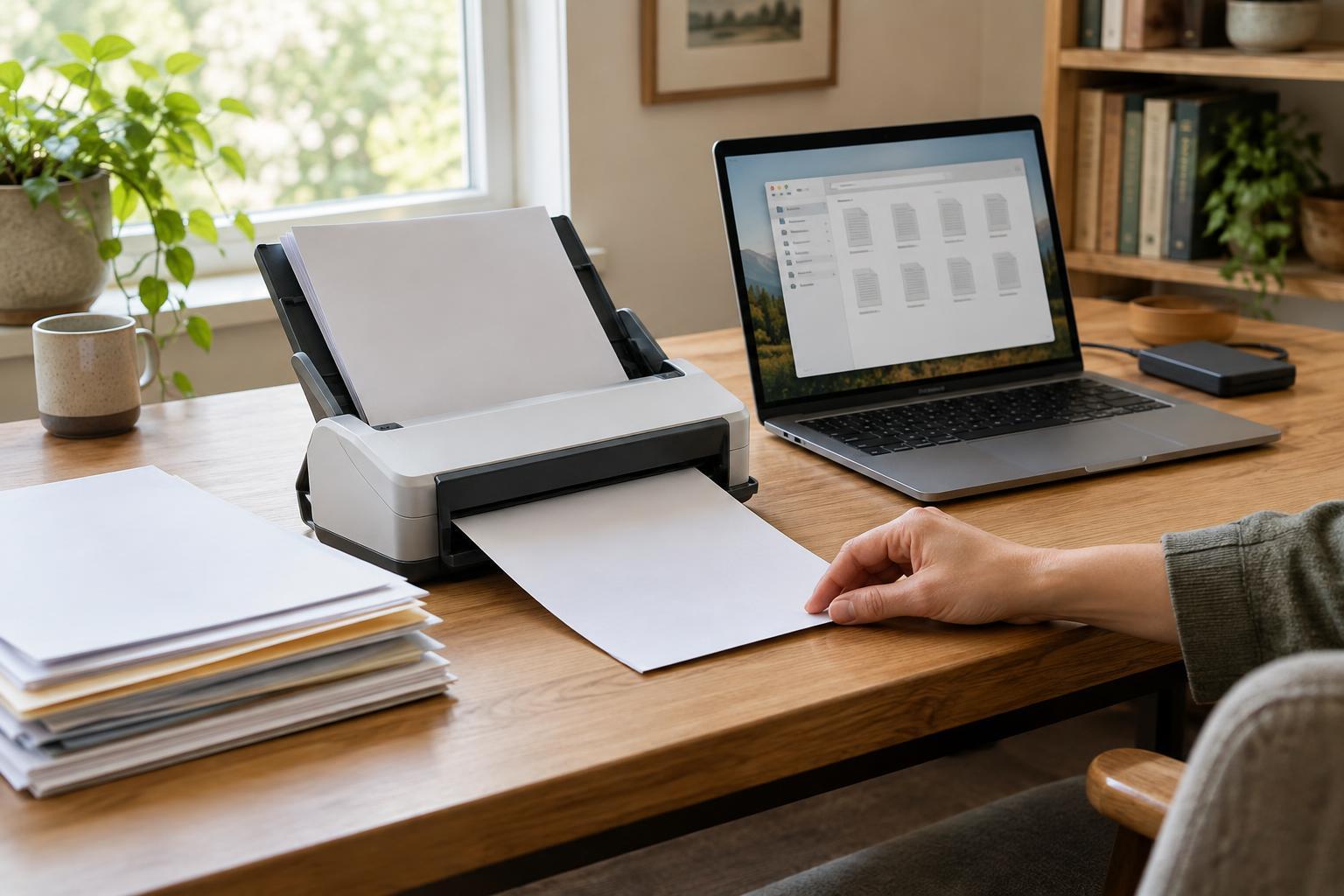
A phone scanning app or a dedicated scanner can both produce usable files. Place pages on a flat surface with even light, capture the full edges, and check that small print is legible. For two-sided documents, scan both sides even when one side appears mostly blank; a note, stamp, or reference number can be easy to miss. Save related pages together as one document rather than as scattered images.
PDF is a practical format for multi-page records, while an image file may be enough for a single visual reference. Choose color when it carries meaning, such as highlighted notes or colored diagrams; otherwise, a clear grayscale scan may be easier to read and store. Avoid spending time adjusting every page unless a problem affects readability. A quick review after each batch is easier than discovering missing pages months later.
Use OCR, then test the result
A scan is often just a picture of text. Optical character recognition, or OCR, adds a text layer that lets many apps search within the file. Some scanning tools apply OCR automatically; others require a separate step. After processing a document, try searching for a distinctive word or number that appears on one of its pages. If the search fails, check whether OCR ran and whether the page is clear enough to read.
OCR is helpful but imperfect. Handwriting, faint print, unusual layouts, and skewed pages can cause errors. For documents you are likely to retrieve by name, do not rely on OCR alone: put useful identifiers in the file name. If a critical figure matters, verify it against the visible page rather than trusting copied OCR text.
Choose names and folders you can predict
A good file name answers the question you will ask later: What is this, and how would I look for it? A pattern such as “2024-03 appliance receipt dishwasher” or “insurance policy home” can be more useful than “scan_0048.” Use dates when they help distinguish versions, and choose words you would naturally type into search. You do not need to tag every possible detail.
Start with a few broad folders, such as Home, Work, Projects, and Reference, then add subfolders only when a group becomes hard to browse. Pick one home for each document rather than making several slightly different copies. If a file could fit in two places, choose the folder you are most likely to check first and let its name and OCR make it discoverable from elsewhere.
Protect the archive and keep the habit small
Digital files can be lost or exposed, so consider where you store them. Use a backup separate from your main device, keep accounts protected with strong authentication, and limit sharing for documents containing personal information. Before discarding paper, open the saved file and confirm that every page is present, upright, and readable. For sensitive documents, choose a disposal method appropriate to their contents rather than putting them straight into ordinary recycling.
To prevent a new pile from forming, give incoming paper a temporary tray and schedule a short review at a pace you can maintain. Scan what you chose to keep, give it a clear name, check that search works, and move it to its folder. The goal is not a perfect archive. It is a small, repeatable process that helps you find a document when you need it.