Mistake 1: Saving things wherever it is convenient
A document might begin in a downloads folder, move to a desktop, and end up attached to a message. Each location makes sense in the moment, but scattered storage creates a guessing game later. The problem is rarely a lack of folders. It is the absence of a clear answer to the question, “Where would I look for this?”
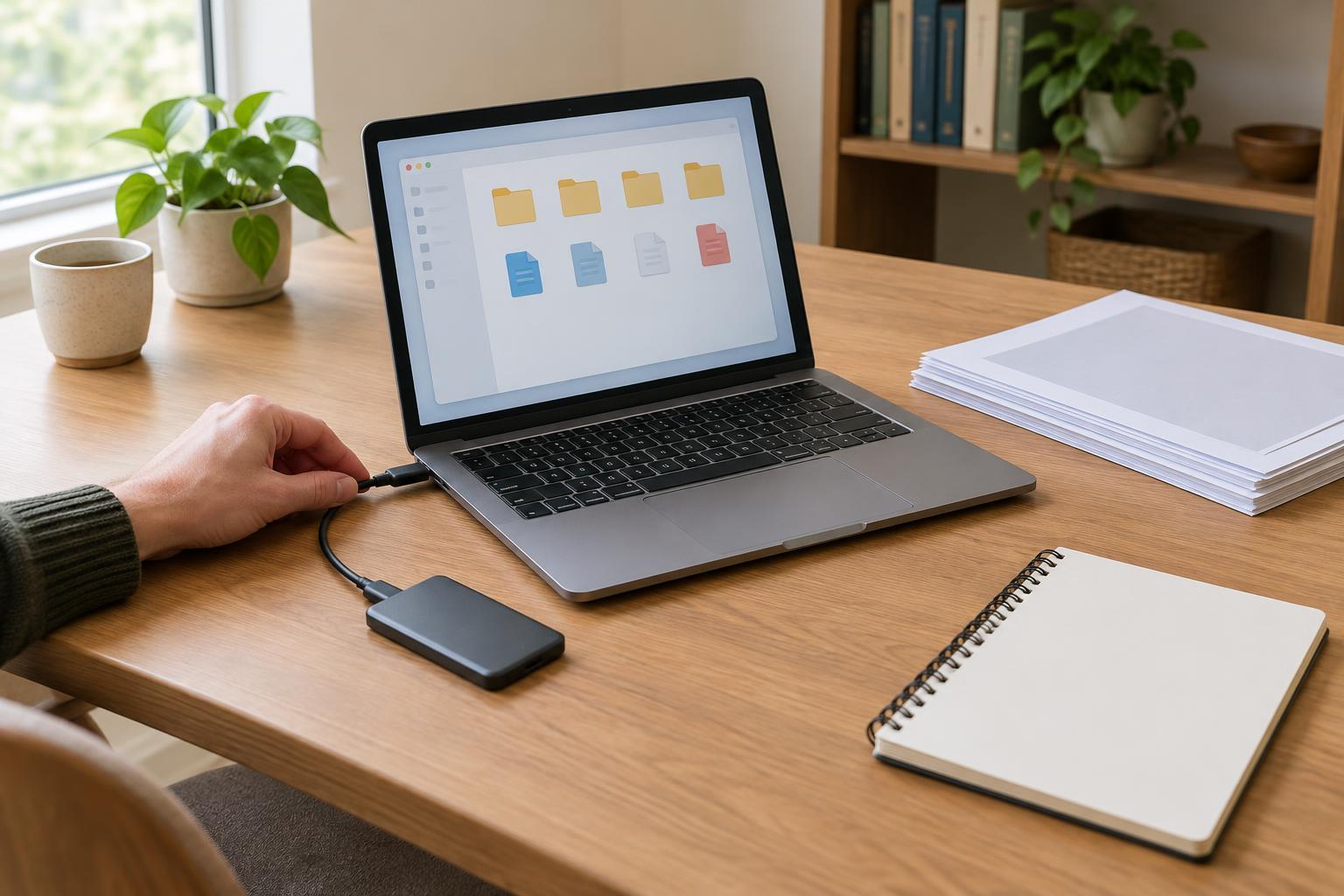
Choose a primary home for each kind of information. For example, active project files might live in a project folder, meeting notes in a notes app, and reference material in a dedicated library. The exact tools matter less than using them consistently. When something arrives in an inbox or downloads folder, treat that location as temporary: move the item to its home when you decide it is worth keeping.
Mistake 2: Giving files names that only make sense today
Names such as “notes,” “final,” or “new version” rely on memory and context that may disappear within weeks. A search result full of similar names forces you to open files one by one. Dates can help, but a date alone says little about a file’s purpose.
Use names that include the subject and the document’s role, such as “Workshop agenda” or “Website copy review.” Add a project name or date when it helps distinguish similar items. For work that produces several drafts, decide what labels mean before using them: “draft,” “for review,” and “approved” are clearer when everyone involved applies them in the same way. A useful file name should make sense outside its folder.
Mistake 3: Building a folder system too detailed to maintain
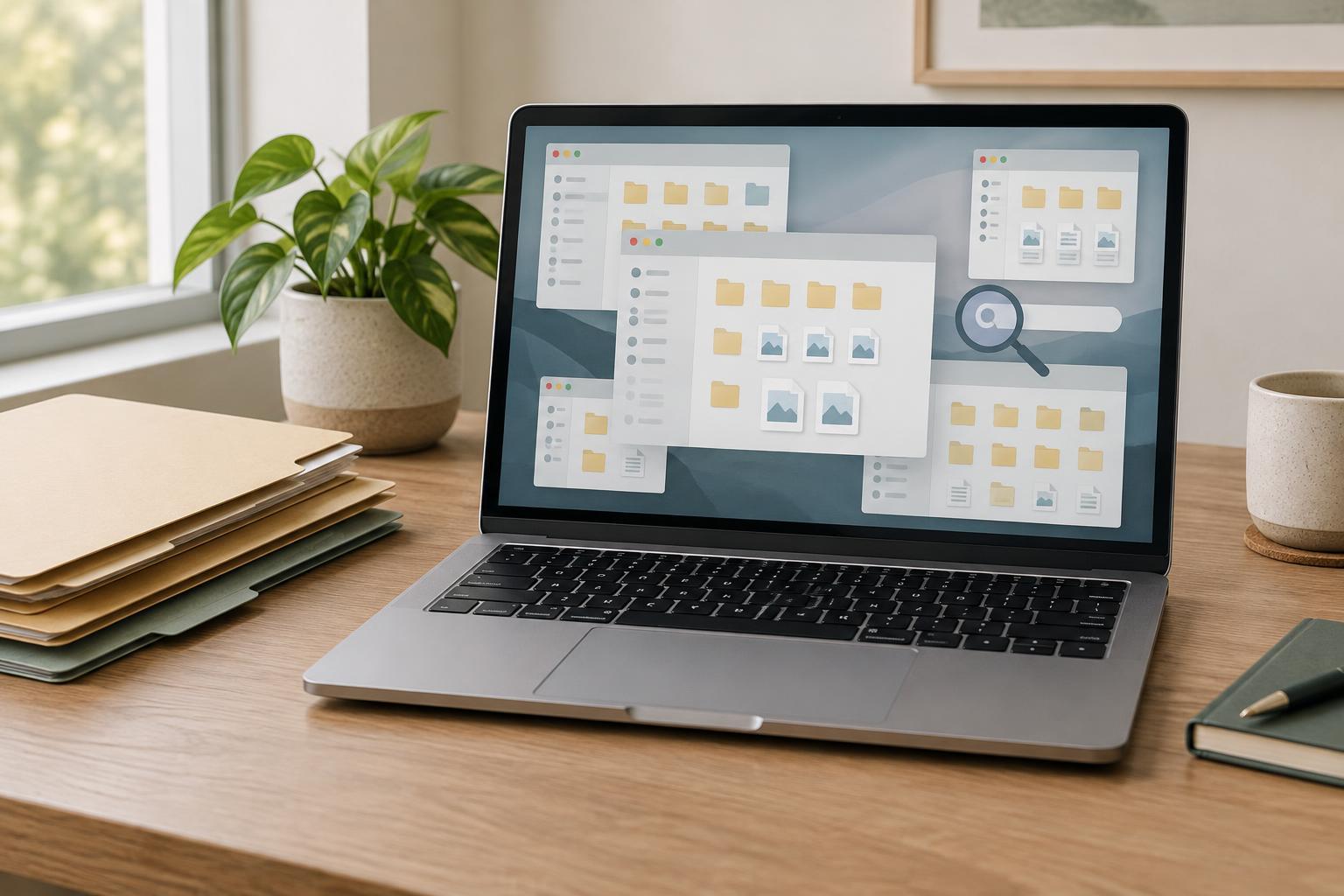
A deep folder tree can look organized while making retrieval slower. If a file could reasonably belong in three branches, filing it becomes a decision you may postpone. Later, you may remember the file but not which branch you chose. Similar problems arise with too many tags: precise labels are not helpful if you cannot recall or apply them consistently.
Start with broad categories that match how you look for information, such as project, client, or area of responsibility. Add a subfolder only when a category becomes difficult to scan. Search for a few real files using your proposed structure before reorganizing everything. If you hesitate about where to put them, simplify the categories or write a short rule for the ambiguous case. A workable system is one you can use on a busy day.
Mistake 4: Keeping multiple copies without a clear source of truth
Copies are sometimes necessary, but they become confusing when several versions appear equally current. A file on your computer, an attachment in a conversation, and a copy in shared storage may all carry different edits. Finding a document then requires more than locating a file; you also have to determine which one to trust.
Choose one location for the working version and share a link to it when your tools and access permissions allow. If you must send a copy, make its purpose clear, such as “snapshot for feedback,” and avoid editing that copy as though it were the main document. Archive or remove superseded drafts when you no longer need them, while keeping any versions your team genuinely relies on. The goal is not to eliminate every duplicate, but to make the authoritative version easy to identify.
Mistake 5: Organizing personal files but neglecting shared spaces
A system that works for one person may still leave collaborators searching through messages, private notes, or folders they cannot access. Shared information needs more context because other people did not watch it being created. Unclear permissions, unexplained abbreviations, and decisions buried in chat can all make a well-kept workspace hard to use.
For recurring work, agree on a shared home for key documents and a simple way to record decisions. Put a brief description in a project folder or index note explaining what belongs there and where to find current work. Check access before pointing someone to a file. Then set aside a small, regular window to rename loose items, move material out of temporary locations, and retire outdated references. Digital organization is less about perfect tidiness than making the next search predictable—for you and for anyone working with you.