Give each type of note a different job
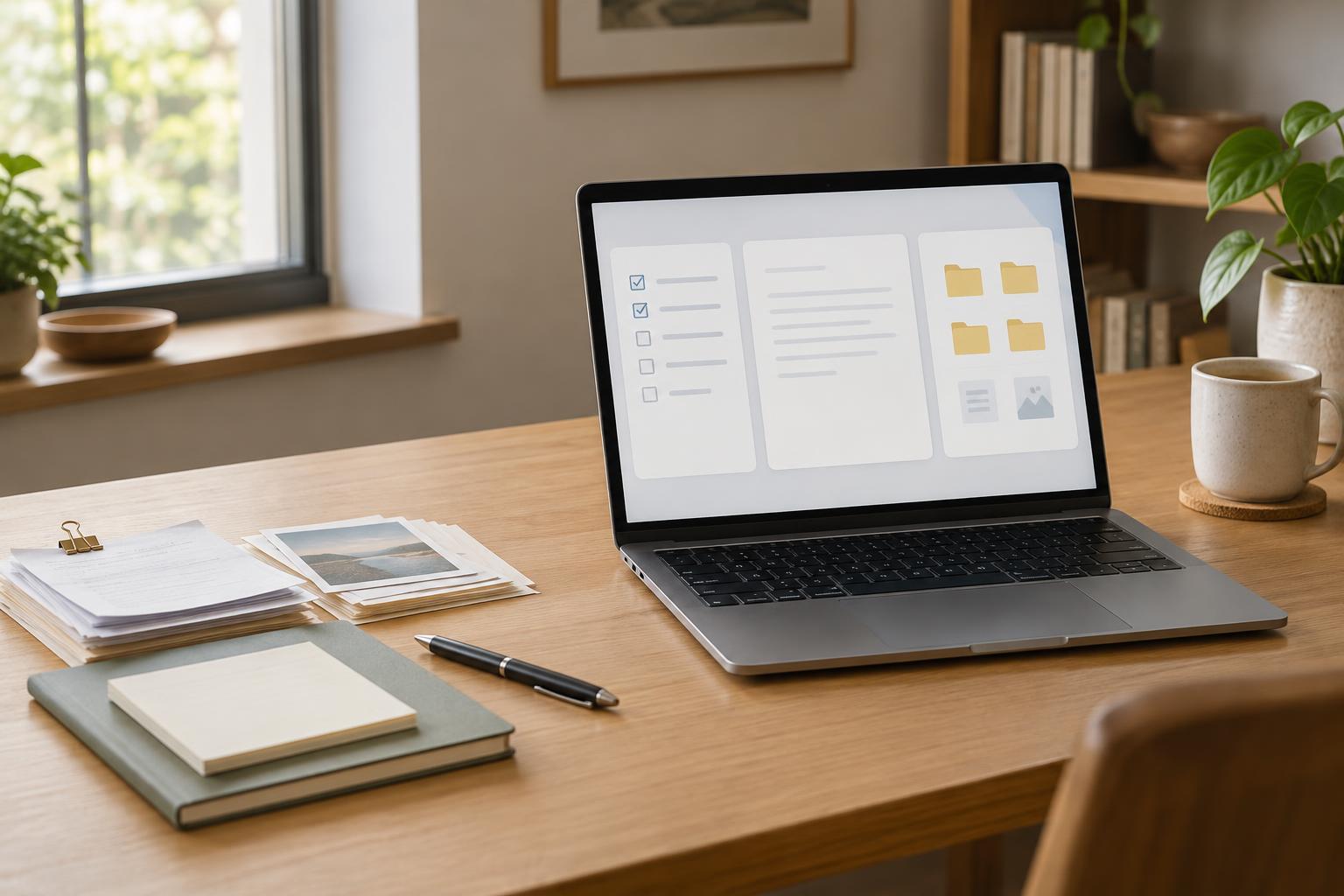
A useful note system does not need a perfect place for every thought. It needs a few reliable places that answer a practical question: where will you look for this later? Three broad homes cover much of what people save. Project notes support a specific outcome you are working toward. Subject notes gather ideas you expect to use across multiple projects. Long-term reference holds information you may need to consult but are not actively developing.
The distinction matters because the same material can serve different purposes over time. A meeting summary about a website redesign belongs with that project while decisions are being made. An insight from the meeting about writing clearer navigation labels might also become a subject note on navigation. The final style guide could live in long-term reference after the redesign ends. You do not need to copy everything into all three places; move or link only what will be useful in another context.
Keep active work together in project spaces
Make a project space for work with an identifiable finish line, such as planning an event, drafting a report, or redesigning a page. Put the working material close together: the goal, current decisions, next actions, relevant links, rough notes, and open questions. A short overview note can act as the entrance. When you return after a break, it should tell you what the project is, where the latest work lives, and what needs attention next.
Name project spaces for the outcome rather than the general field. “Publish onboarding guide” is easier to distinguish from other writing work than “Writing.” Inside, keep the structure light until the volume of notes calls for more. An overview and a collection of working notes may be enough. If you repeatedly hunt for interviews, drafts, or decisions, add a small folder or index for that material.
Project notes are allowed to be messy while the work is active. Their primary job is to support progress, not to become a permanent library. When a project finishes, record the final outcome and any lessons worth reusing, then archive the workspace so it no longer competes with current work.
Use subject notes for ideas you will revisit
A subject is an area of ongoing interest or responsibility without one defined endpoint: facilitation, home maintenance, writing, or a tool you use regularly. Subject notes are useful for principles, examples, questions, and methods that might inform several projects. Instead of filing every saved item under a broad subject, create notes around ideas you can recognize and retrieve, such as “Questions that improve a project kickoff.”
When a project produces a reusable insight, write a brief subject note in your own words. Include enough context to understand the idea later and link back to the project if its origin matters. This small step separates the transferable lesson from the circumstances of one assignment. You can also keep a simple subject index that points to the most helpful notes, especially when a topic grows too large to scan comfortably.
Treat reference as a shelf, not a reading list
Long-term reference is for material you want to find again mainly to check a detail: instructions, specifications, templates, policies, manuals, or completed records. Give items descriptive names and include a little context when the filename alone is unclear. For example, a note titled “Camera manual” may be less useful than one that identifies the model and what the document covers.
Reference material does not need the same frequent review as active work. Avoid turning it into a holding area for everything that seems interesting. If an article, clip, or idea deserves your attention, give it a next step in a project or capture the useful point in a subject note. If you have no likely reason to retrieve it, consider whether you need to save it at all.
Build a filing habit you can maintain
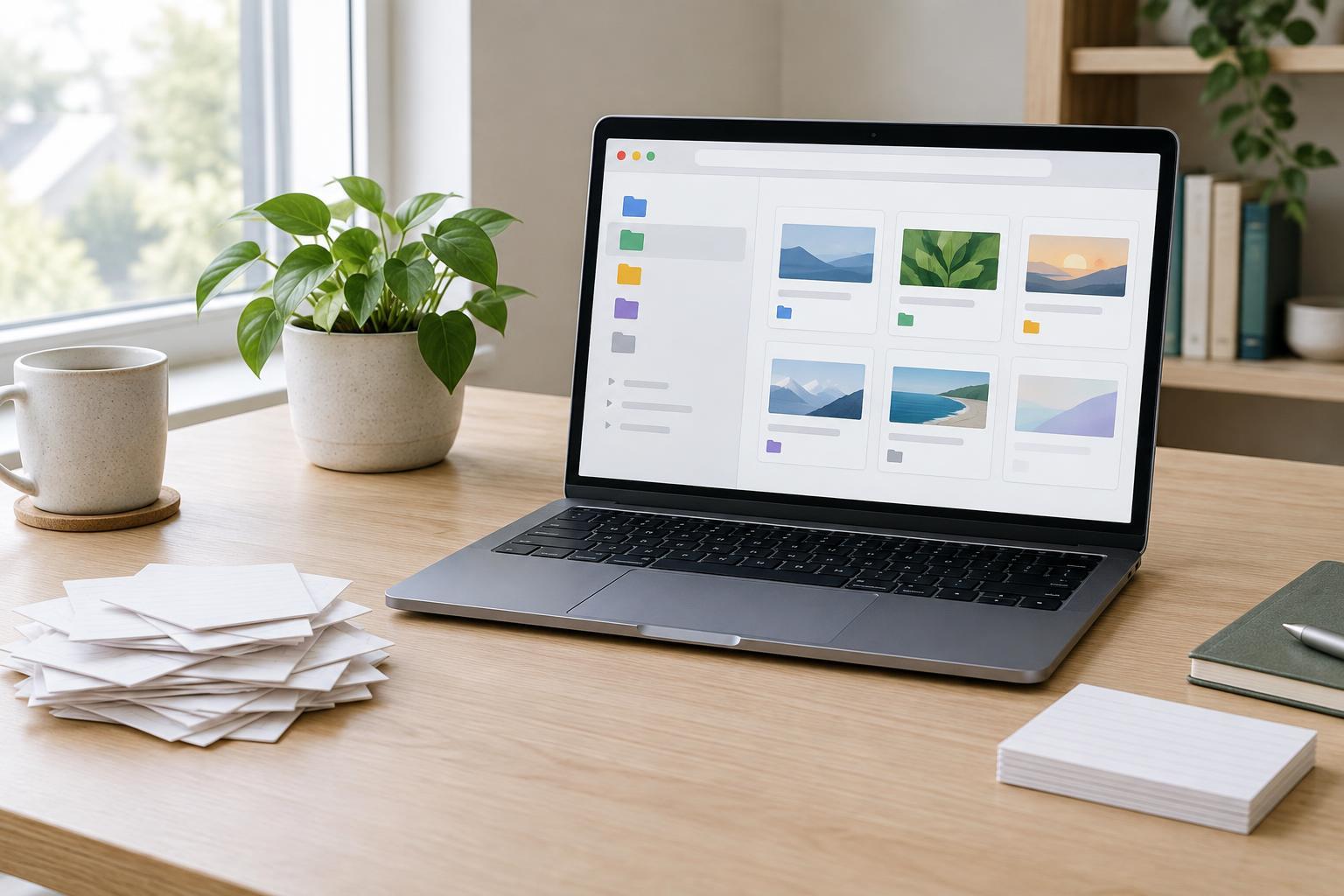
Start with three top-level areas—Projects, Subjects, and Reference—and an inbox for notes you capture in a hurry. For each new note, ask: Is this needed to finish something specific? Put it with that project. Is it an idea I may apply in different settings? Give it a subject home. Is it something I expect to look up as-is? Put it in reference. If the answer is unclear, leave it in the inbox temporarily rather than interrupting your work to design a new category.
Set aside a brief, regular moment to clear the inbox, update active project overviews, and archive finished work. Searchable titles and a few well-chosen links usually do more than elaborate folder trees. When a note fits two places, choose its main home and link from the other; duplication can leave you unsure which copy is current. The goal is not to classify every thought flawlessly. It is to make your next return to the material easier.