Give each device a clear role
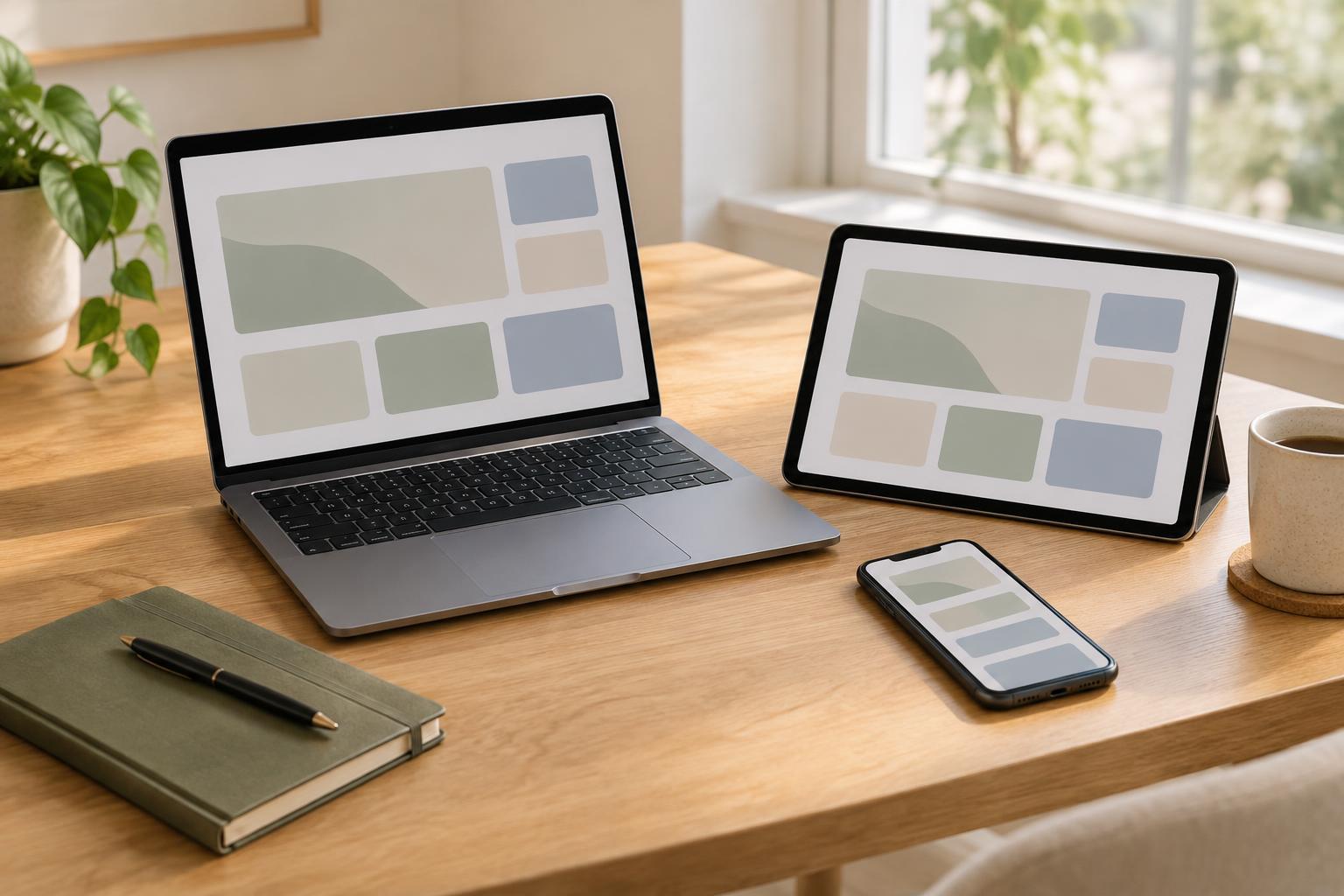
A consistent setup does not mean installing every app on every device. Start by listing the devices you actually use during a typical week and the work you do on each one. A computer might be where you draft and edit, while a phone handles quick capture and messages. If you use a tablet, it might be most useful for reading and marking up material. These are choices to test, not rules to follow.
For each device, write down its primary role and one or two tasks it should handle reliably. Then note what it does not need to do. Keeping detailed project planning on one main device, for example, may be simpler than maintaining several versions of the same plan. If you are reconsidering which device fits a particular role, browse Everyday Devices · Digital Everyday for ideas about everyday devices rather than assuming your current setup needs replacing.
Choose one path for capturing new information
The hardest part of switching devices is often remembering where an idea went. Pick a single destination for quick captures, such as one notes inbox or one task list, and make it easy to reach from the devices you carry. Use it for rough entries: a thought, a reminder, or the name of a document to revisit. Sorting can happen later, when you have more context.
Decide what should go into that destination and what should not. A meeting commitment belongs in a task or calendar entry; a passage you want to develop may belong in a note. The important thing is to avoid keeping competing quick-capture lists that require you to check several places. Once or twice a week, review the inbox, move useful entries to their proper homes, and discard anything you no longer need.
Make the next step visible before you switch
A file may be available on another device without making it obvious what you meant to do next. Before leaving a work session, spend a minute recording a short restart note. Name the project, the next concrete action, and any decision still open. “Revise the opening using the outline” is easier to act on than “finish article.” Put the note somewhere you already check, rather than creating another place to monitor.
When a handoff matters, check that the material you need is accessible on the next device and that you can open it in a usable format. Do this before a commute or a meeting, not at the moment you need the file. A small physical setup can also reduce friction: keeping a charger or input accessory where you usually work may make a planned handoff easier. If you want to explore setup options, browse Useful Accessories · Digital Everyday for useful accessories, then choose only what solves a recurring problem.
Keep the routine light enough to maintain
Review your setup after you have used it for a while. Notice where work stalls: Are notes hard to find on your computer? Do tasks captured on your phone go unread? Are you repeatedly opening a document on a device that is awkward for editing? Change one part of the arrangement at a time so you can tell whether it helps. The goal is a dependable path through your work, not a perfectly matched set of screens.
Write a brief device guide for yourself: where to capture, where to plan, where to do focused work, and how to leave a restart note. Keep it somewhere you can find it when you change apps or devices. For broader browsing about day-to-day digital setups, visit Digital Everyday. Treat anything you discover as an option to evaluate against your habits, not another system you have to adopt.