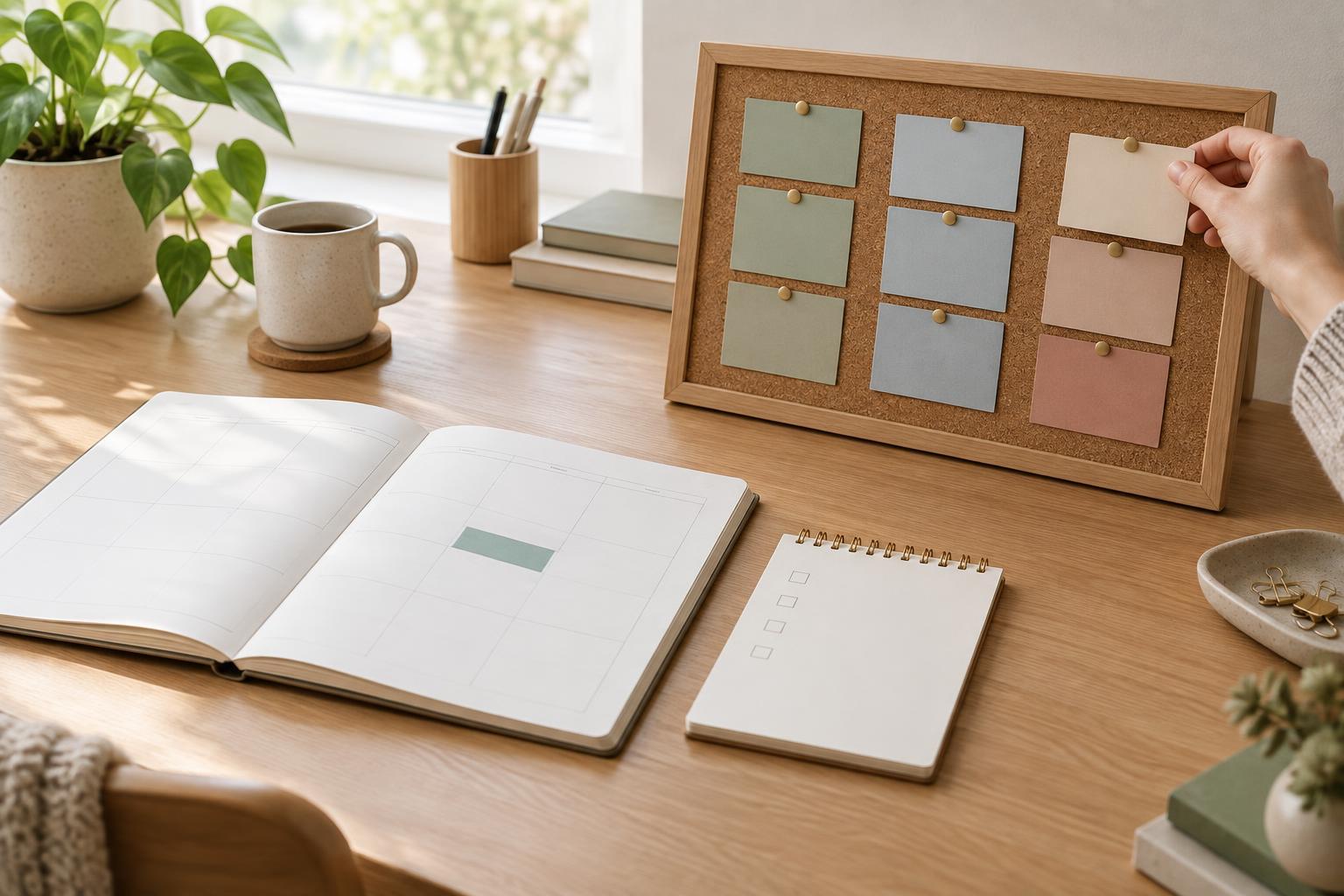
Give each tool a different job
When a plan appears in a calendar, a task list, and a project board, it can feel well organized. It can also become hard to trust. If the due date changes in one place but not the others, which version is right? The goal is not to find one tool that holds everything. It is to give each tool a distinct purpose.
A useful starting rule is this: the calendar holds time commitments, the task list holds actions you can take, and the project board holds the shape of multi-step work. You may not need all three. If you work mostly on short, independent tasks, a calendar and a task list may be enough. Add a board when the stages, contributors, or dependencies of a project are difficult to keep in your head.
Put fixed time on the calendar
A calendar answers, “When do I need to be there or do this?” Put meetings, appointments, deadlines with a specific time, and planned work sessions there. A deadline can appear as an event or reminder; a work session reserves space to make progress before it arrives. Keep those two entries distinct so a block for drafting does not look like the final handoff.
Avoid giving every possible task its own calendar slot. A day packed with optimistic estimates leaves little room for interruptions, slower-than-expected work, or rest. Instead, reserve time for a few priorities and decide what to tackle within each block using your task list. If a block gets moved, the task still has a reliable home.
Some plans need a date but not a particular hour. You might keep the next action on your task list with a due date and place the actual delivery deadline on your calendar. What matters is that you know which entry is authoritative when plans change.
Keep next actions on the task list
A task list answers, “What can I do next?” Write tasks as visible actions rather than vague outcomes. “Send the draft to Maya for feedback” is easier to start than “Finish article.” If a task is too large for one work session, break off a first step, such as “Outline three main points.”
Your list can contain actions from many projects, but it should not require you to scan every commitment each morning. Separate work you might do later from work you intend to consider soon. A short view of current actions helps you choose based on available time, energy, and importance. When a scheduled work block begins, pick from that view rather than rebuilding the plan from scratch.
Use due dates sparingly. A due date should signal a real constraint or a deliberate checkpoint, not merely your hope that a task will be done by then. Otherwise, an overdue list can become a record of old guesses rather than a guide to what matters now.
Use a board to see the whole project
A project board answers, “How does this work move from idea to done?” It is helpful for work with several stages, pieces, or people: for example, preparing a workshop might involve outlining, creating materials, gathering feedback, and confirming logistics. A board can show what is waiting, what is in progress, and what is finished without turning every detail into a calendar event.
Keep board cards at a useful level of detail. A card might represent a deliverable or a meaningful stage, with notes, files, and a link to relevant discussions attached. Your task list can then hold the immediate action that moves that card forward. If a board already gives you a clear personal next-action view, you may not need to copy those actions into a separate list.
For shared work, agree on what a card’s status means and who updates it. A board is most useful when collaborators can tell whether something needs action, feedback, or a decision. It does not have to track every minute of someone’s day.
Choose one source of truth, then review it
To decide where any item belongs, ask three questions in order. Does it require a specific time? Put that commitment on the calendar. Is it a concrete action you can take? Put it on the task list, unless your board already serves that purpose. Do you need to track stages, ownership, or related material? Give the larger piece of work a place on the board.
It is fine for tools to point to one another. A calendar block can say which project you plan to work on; a task can link to its board card. Try not to maintain duplicate descriptions and statuses everywhere. Decide where changes are made first, particularly for shared deadlines and handoffs.
A brief review keeps the system useful. Look ahead for fixed commitments, choose a manageable set of next actions, and check whether active projects have a clear next step. Remove stale placeholders and adjust plans when circumstances change. The best home for a plan is the one that helps you find it, act on it, and revise it without making organization another project.